
As a UX Designer, I analyzed their website, and presented the insights in an "easy to grasp" way, giving Lagerhaus recommendations and an audit on moving forward.
5 days
Lagerhaus
Just me
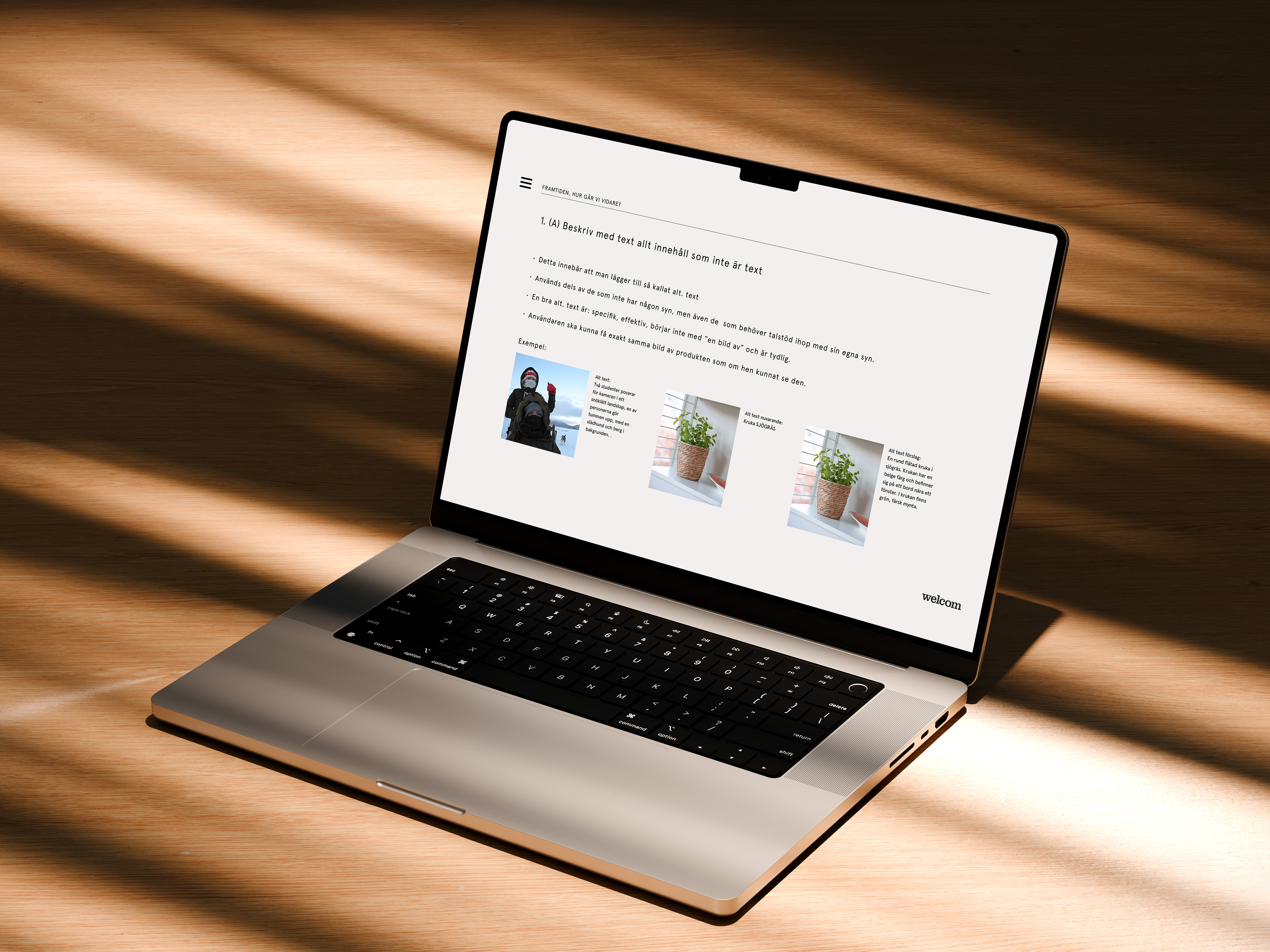
Lagerhaus wanted to understand the necessary changes to comply with the new WCAG version expected in the summer of 2025. The challenge was not only to meet these accessibility standards but also to maintain their distinct graphic profile and UI while achieving WCAG compliance.
“The Web must be accessible to provide equal access and equal opportunity to people with diverse abilities. Indeed, the UN Convention on the Rights of Persons with Disabilities recognizes access to information and communications technologies, including the Web, as a basic human right.”
And I agree. Can you imagine your life without the ability to order something online, search on Google, or buy a ticket to the bus?
How frustrating would that be?
Accessibility is not confined to a group of users with different abilities. Rather it extends to anyone who is experiencing any permanent, temporary, or situational disability, e.g., having only one arm is a permanent condition, having an injured arm is temporary, and holding a baby in one arm is situational — in each case, the user can complete tasks with only one hand. Therefore, the aim is to make web content more usable to users in general.
The benefits of WCAG include improved user experience for everyone, expanded audience reach, better search engine optimization (SEO), and compliance with legal requirements. By adhering to WCAG, organizations create more inclusive digital spaces-, and demonstrate social responsibility.
If the requirements are not met, companies risk facing significant fines and being mandated to correct the issues. Therefore, it is smart to incorporate WCAG principles from the outset and seamlessly integrate them into the planning and development process.
The Guidelines (reaching a staggering 80+page count) give clear instructions on how to make their websites accessible.
WCAG 2.2 (the newest version), has 17 additional success criteria, most of which are centered around the mobile user experience. Even though these requirements are new additions to WCAG, they have been official W3C recommendations for several years already, so the change was not a chocker. In fact, new guidelines are already in the making that focus on how users interact with online and virtual environments, including guidance related to wearables such as smartwatches. Exciting!
Very briefly, there are four areas that the Webb Accessibility Guidelines (WCAG) cover, the product must be:
This principle states that digital content must be able to be understood by multiple senses.
For example, providing text alternatives for non-text content.
States that web functionality must be able to be accessed and used by all users regardless of ability. For instance, all functionalities must be available using only a keyboard.
This principle says that all content must be able to be understood by users. The operation of user interfaces needs to be understandable to users as well.
This principle states that digital content must be able to be interpreted by assistive technologies and other user agents.
From the four main principles, the WCAG defines separate guidelines with a rating of A, AA, and AAA. These range from A (the lowest), AA, and AAA (the highest). It is not possible to be partially compliant to a WCAG level. Your website must check all the boxes for the required level you are aiming to achieve.
Private-owned companies must only meet A & AA, whereas public companies must meet all requirements.
I collected all the guidelines in Figma to get an overview, Illustrating each with examples from the existing website. I illustrated and demonstrated best practices for the guidelines that didn't pass, aiming to provide the customer with a clearer understanding.
WCAG guidelines encompass both design and code aspects. While I thoroughly reviewed all the guidelines, I focused on providing concrete solutions for design-related issues. I showed the developer on my team the code guidelines that didn't pass and discussed concrete implementation strategies to address them. By collaborating closely with the developer, we ensured that our design solutions seamlessly translated into accessible code, thereby enhancing the overall user experience and strategy.
The guidelines were organized into categories, design, and code, highlighting the collaborative effort needed across different competencies for a comprehensive accessibility strategy. During this initiative, I created a prioritized list of accessibility improvements, taking into account factors such as time, budget, impact, and the specific criteria involved. For instance, addressing A criteria before AAA criteria could be more efficient.
Despite the WCAG’s dauntingly comprehensive and somewhat intimidating nature, there is no need to worry. All that is needed is a strategy and a positive mindset. While WCAG may seem overwhelming, remember that even a small change is better than none. Progress is achieved by consistent efforts.
Lastly, I'd like to say that, accessibility is a team responsibility. The role of a UX designer is to serve as a glue between different departments and ensure accessible design is acknowledged.
It was exciting working tight in a cross-functional team, it gave me a better understanding of my UX role and how to work to best complement each other.